

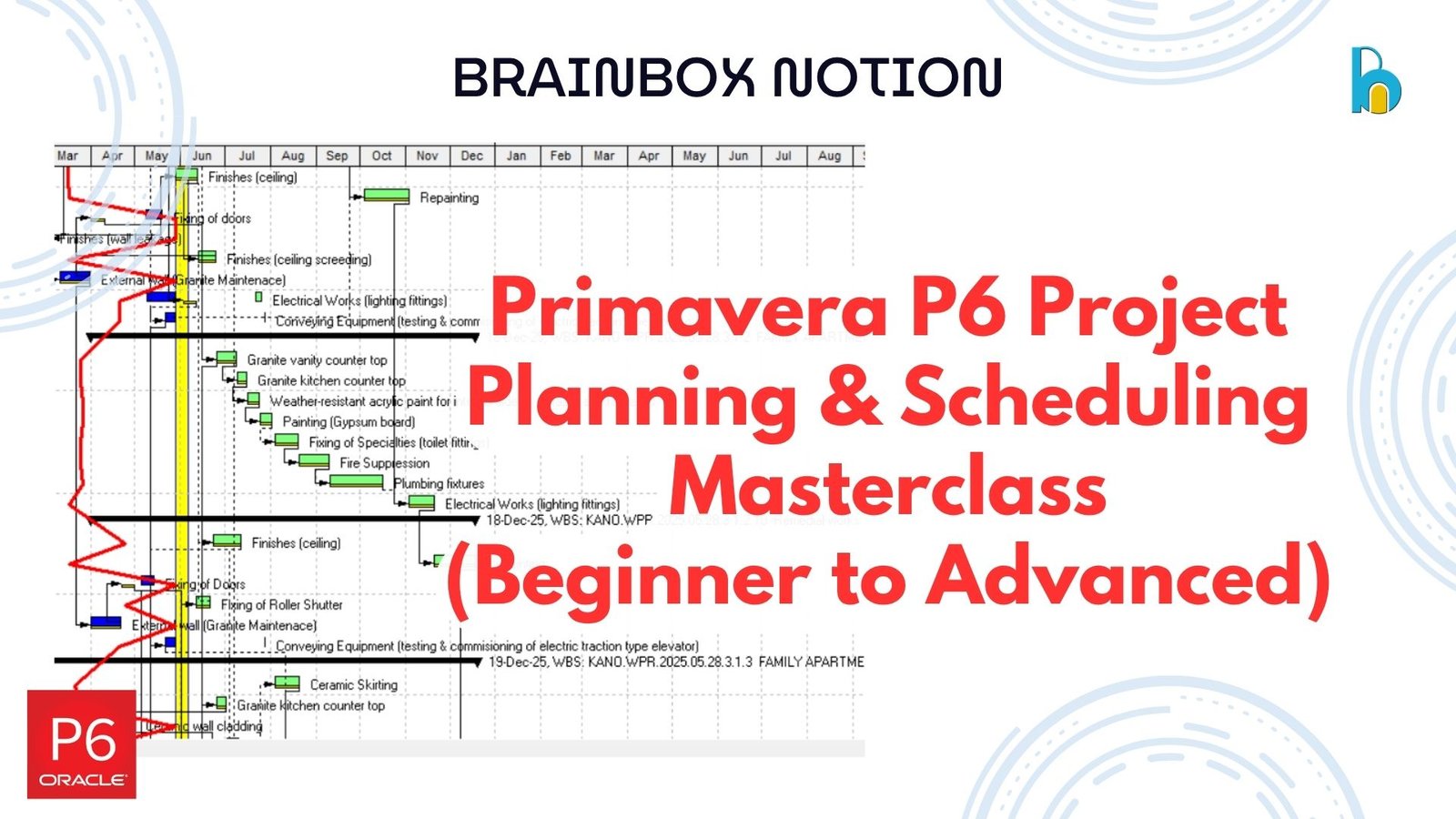
About Course
Master project planning and scheduling using Primavera P6 from beginner to advanced level with this comprehensive, industry-focused course.
This course is designed to take you from having little or no knowledge of Primavera P6 to becoming confident in creating, managing, and analyzing professional project schedules used in real-world construction and engineering projects.
Starting with the fundamentals, you will learn how to navigate the Primavera P6 interface, create project structures, develop Work Breakdown Structures (WBS), and build fully linked schedules. As you progress, you will move into resource allocation, cost loading, project tracking, and performance analysis.
At the advanced level, you will gain practical exposure to real-world techniques such as Time Impact Analysis (TIA), forensic schedule analysis, risk assessment, and automation workflows using Primavera P6.
This course is built with a practical approach, including hands-on demonstrations and real project examples to ensure you gain job-ready skills that can be applied immediately.
Course Content
Primavera P6 Beginner Training
Introduction
07:36P6 Installation Guide
03:52Interface, Navigation, Creating EPS and Projects
28:02Work Breakdown Structure (WBS) and Activity Creation
06:53Assigning Durations and Calendars
23:01Understanding Relationships and Dependencies
14:58Practical Demo – Creating a Simple Project
Primavera P6 Intermediate Training
Primavera P6 Advanced Training
Student Ratings & Reviews